A Save button right on the video PRO
Skip the popup. The Save button sits on the product video and on review videos. Pick 1080p, 720p or MP3.
Product videos, demos, customer review videos and full-size product images, saved to your computer. No screen recording. No copying links.
Watch the 50-second video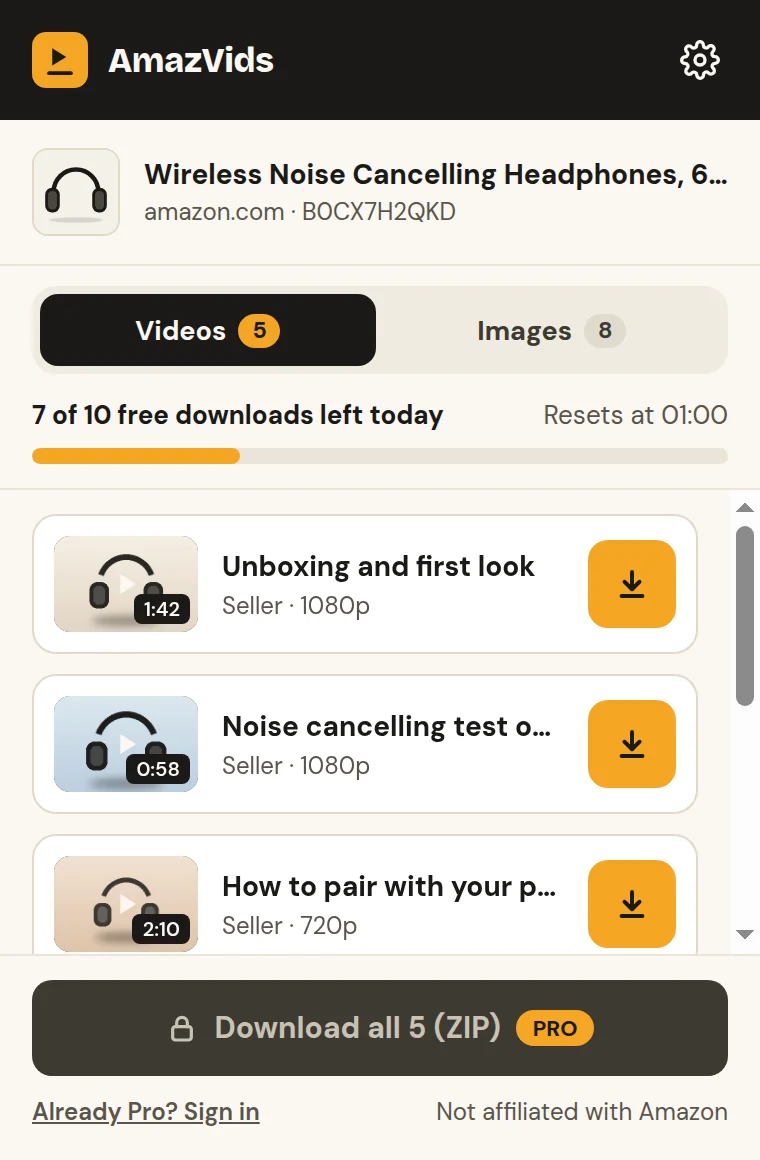


Why AmazVids
If you study products, write ads or compare before you buy, you’ve been there. Here is the difference.
How it works

Free. No account. Pin it next to the address bar so it’s one click away.
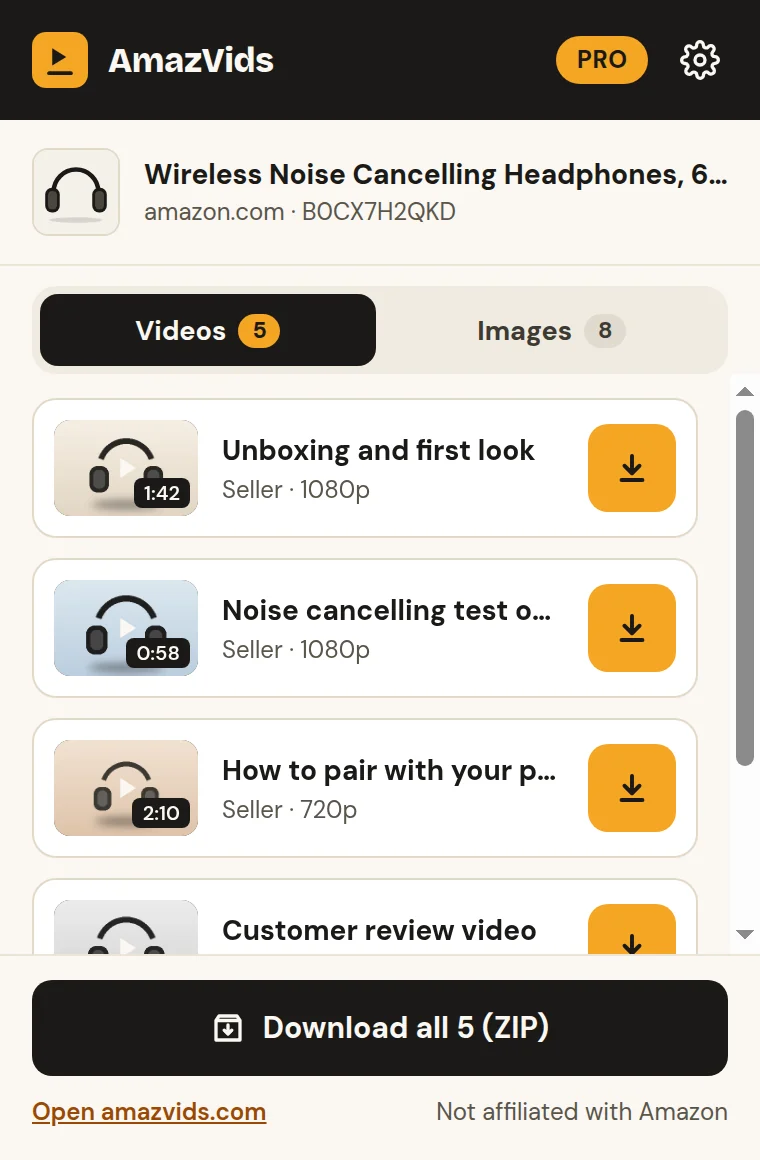
AmazVids lists every video on the page: the seller’s videos and the customer review videos.
The MP4 goes straight to your Downloads folder, named after the video.
Features
Skip the popup. The Save button sits on the product video and on review videos. Pick 1080p, 720p or MP3.
Five videos and nine product images? Download them all in one file, images at full size.
Real buyers, real use. Save the review videos as easily as the seller’s.
The whole extension speaks both, with a proper right-to-left layout.
Visit amazon.sa or amazon.de and AmazVids turns that store on by itself.
Keep only the sound: voice-overs, music and spoken reviews.
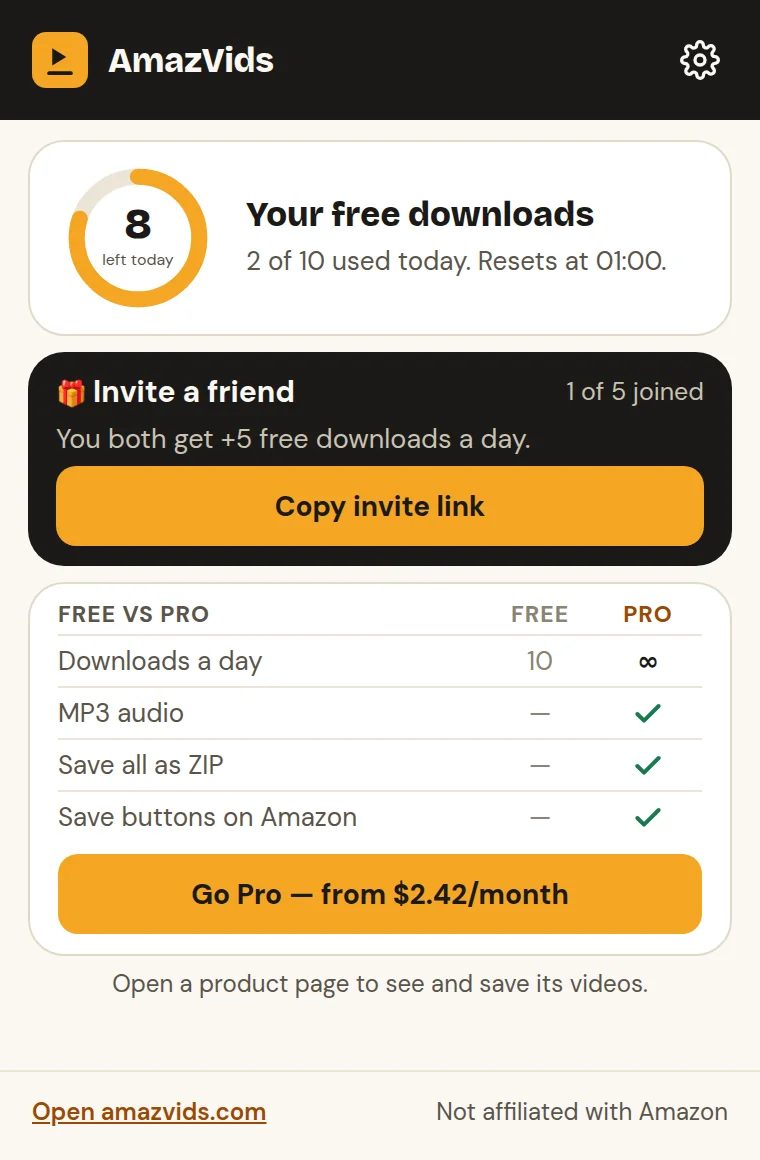
Free gives you 10 videos a day, and the counter resets every night. Invite a friend and you both get 5 more a day.
Made for
Keep the videos of top products in your niche and see how they show the product in the first seconds.
Collect product and review videos as references for your ads, briefs and creative teams.
Save review videos of the products on your list and watch them side by side, even offline.
See it work
Videos, review videos and full-size product images, saved from a page with no save button.
Pricing
On your phone?
The extension runs on computers. On a phone, paste an Amazon product link here to see and save its videos.
Guides
FAQ
Yes. You can save 10 videos a day for free, with no account and no card. The counter resets every night. Product images in full size are free too, one by one. Pro removes the limit and adds the ZIP of all videos and images, MP3, quality choice and on-page buttons.
AmazVids only reads the Amazon product page you have open, to find its videos. It never sees your Amazon password, orders or payment details, and you don’t need an account.
21 stores, including amazon.com, amazon.sa, amazon.ae, amazon.eg, amazon.co.uk, amazon.de, amazon.fr, amazon.es, amazon.it, amazon.ca, amazon.in and amazon.co.jp.
Browser extensions run on computers: Chrome or Edge on Windows, Mac, Linux or ChromeOS. On your phone, paste a product link on amazvids.com instead.
Pay on our checkout (handled by Whop), and your license key arrives by email. Paste it into the extension. You can cancel anytime from your Whop account.
No. AmazVids is an independent tool and isn’t affiliated with Amazon. Please respect the rights of the people who made the videos you save.
Install AmazVids free and save your first video in under a minute.